
01
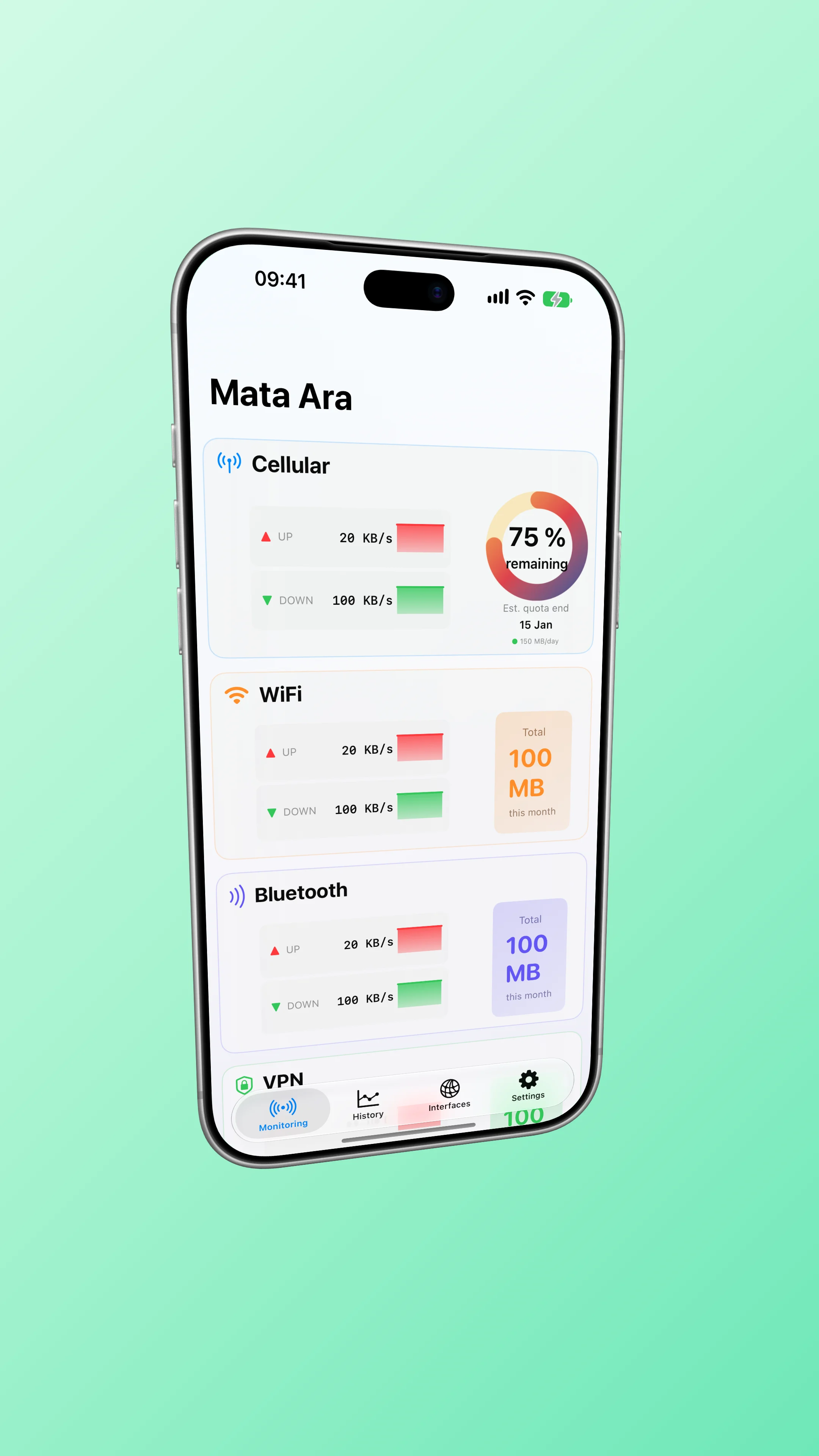
Your plan, at a glance
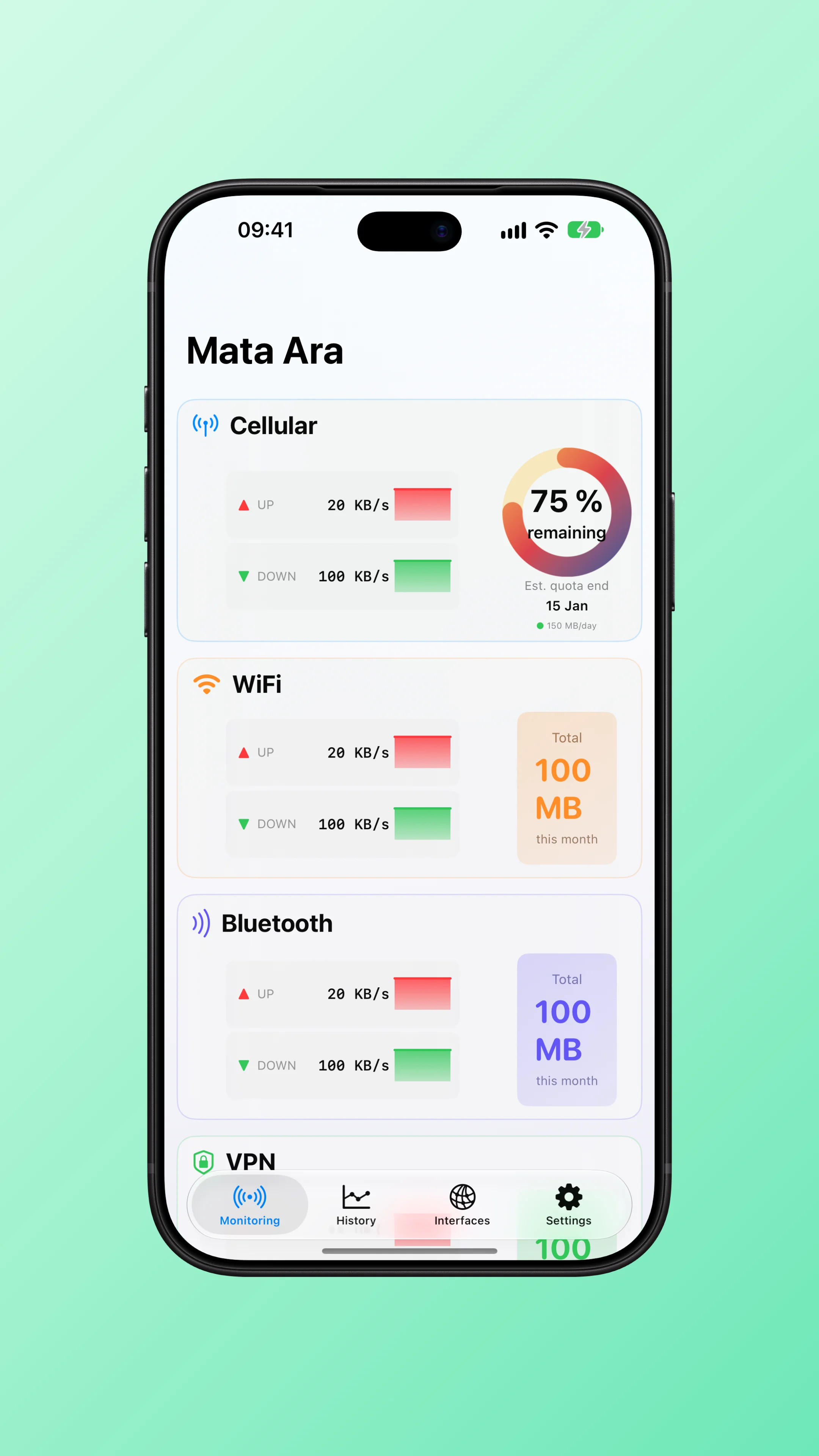
See cellular usage, remaining allowance, and live upload and download speeds together.
Mata Ara Network insights
Track your mobile allowance, explore your device’s network counters, and stay on top of a travel plan.
The new version will appear on the App Store at launch.
Choose your use
Check your mobile allowance, what remains, and how your usage changes over time.
Explore data tracking02Explore incoming and outgoing activity across your device’s network interfaces, based on available counters.
Explore interface monitoring03Manually set a fixed-period allowance and expiry date to keep track of use during your trip.
Explore travel trackingInside the app
A few of the screens that help you follow your plan and network activity.
See cellular usage, remaining allowance, and live upload and download speeds together.
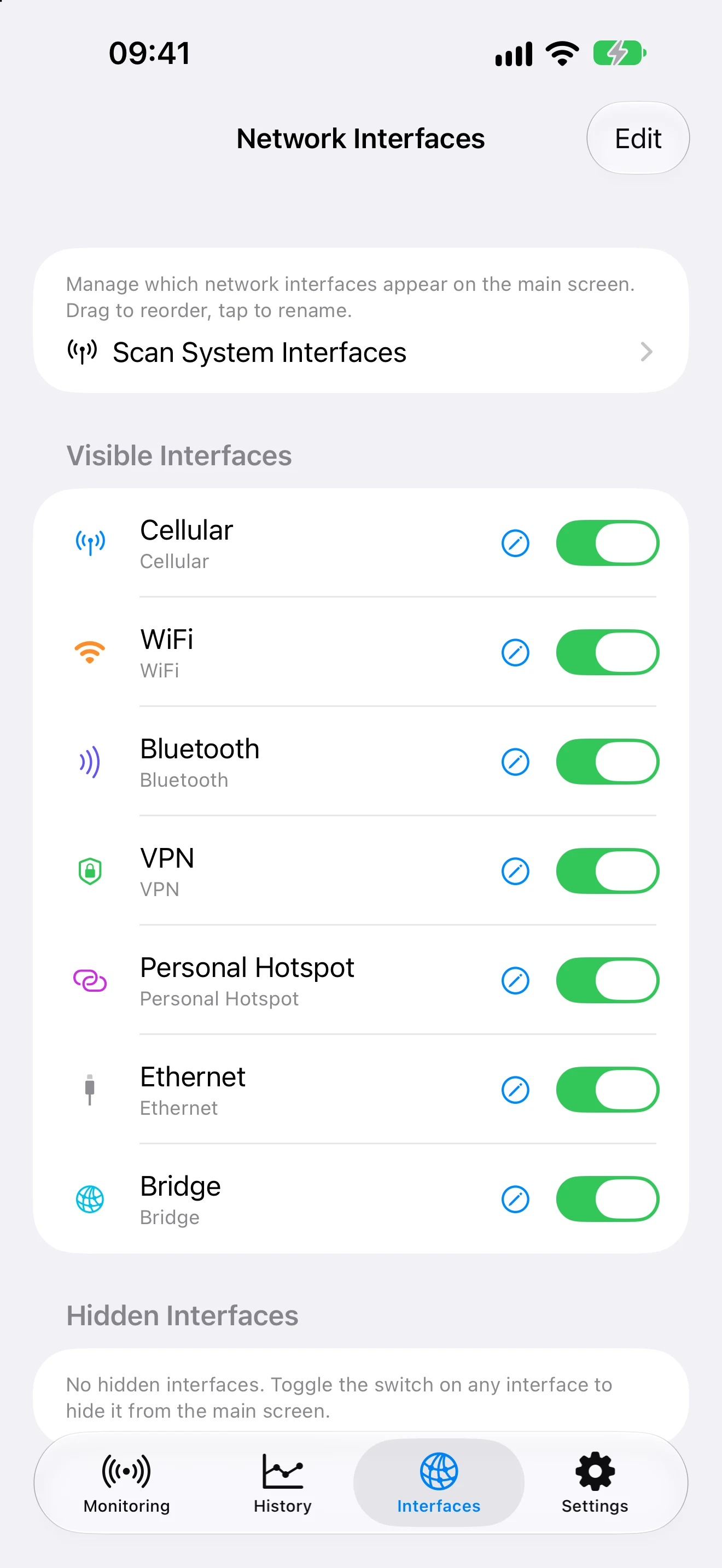
Explore hourly and daily charts across several time ranges.
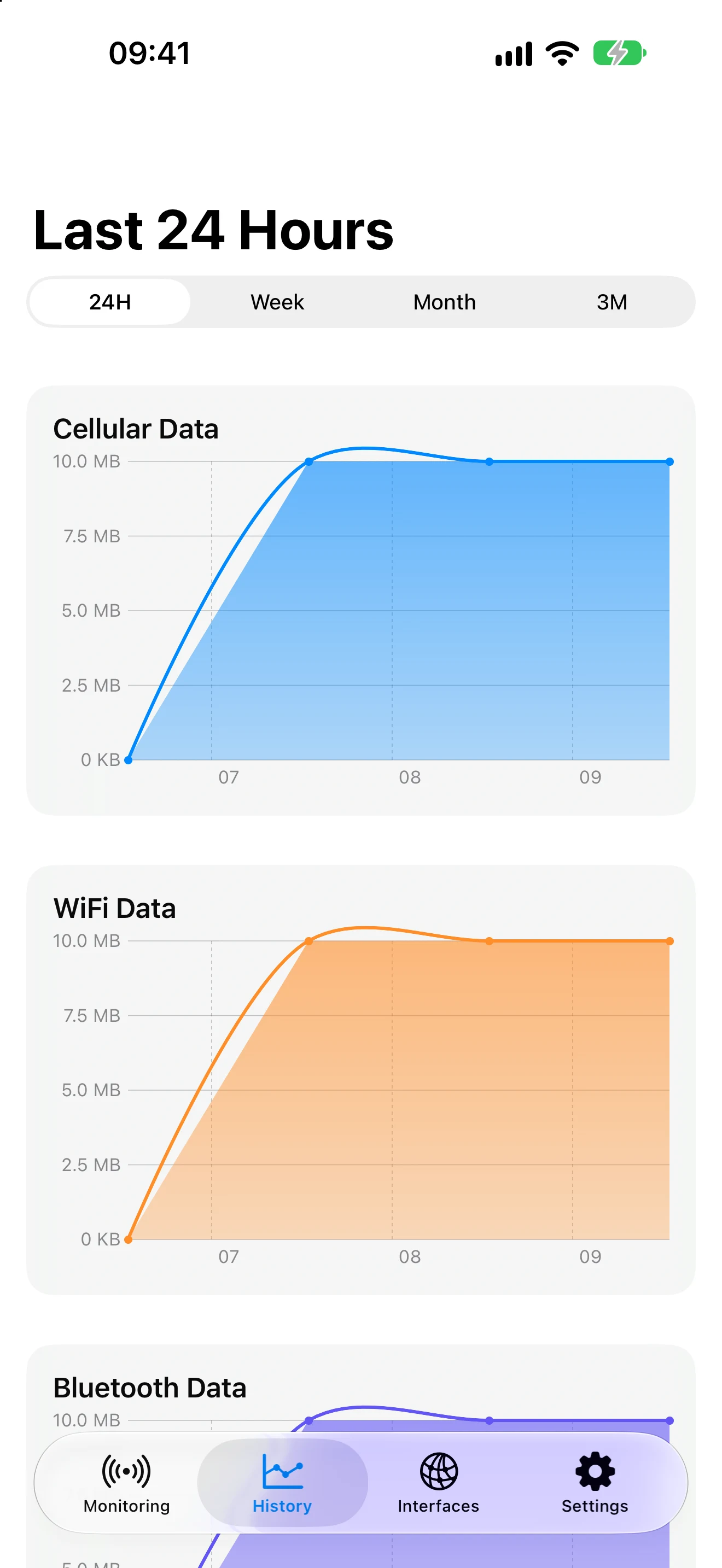
Choose which interfaces to display and review their counters.
Quickly see how much of your quota is used and how much remains on Apple Watch.
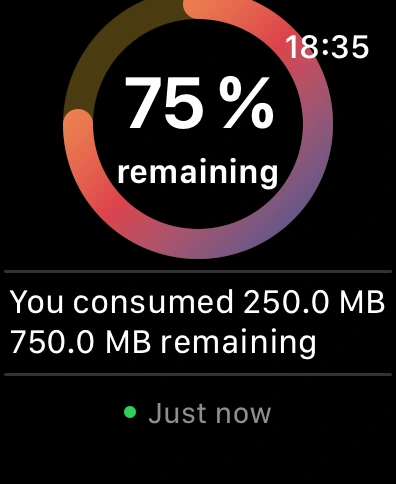
Example screens shown with demo data.
Everyday tools
Useful notifications, a configurable Home Screen widget, the Apple Watch app, and watch face complications.
Premium
Add 50%, 75%, and 90% threshold alerts, detailed per-interface speed history, and removal of the main-screen banner.
The essentials
Set your quota and cycle, choose your alerts, then check history when you need it. A one-time purchase unlocks the full version.
Explore all features