Mata Ara

Features

From plan tracking to network counters, get a clearer view of your usage.

01

Your use

Keep track of your mobile allowance

A straightforward view of your plan and how it changes.

  • Cellular usage and remaining amount against the quota you configure.
  • Upload and download activity and speed, based on device counters.
  • A configurable monthly billing-cycle start date.
  • Hourly and daily history, with charts for 24 hours, 7 days, 1 month, and 3 months.
Learn more about this use case
02

Your use

Explore network interfaces

View counters by interface to better understand activity on your device.

  • Upload and download activity and speeds, grouped into interface families.
  • Classification is heuristic and depends on the device and its setup.
  • “en*” interfaces default to Wi‑Fi; Ethernet cannot be distinguished on every device. “bridge” families can also be ambiguous.
  • Mata Ara reads counters by interface, not per-app traffic.
Learn more about this use case
03

Your use

Stay on top of usage while travelling

Set an allowance yourself to match your temporary travel plan.

  • Choose a fixed-period quota and its expiry date.
  • Monitor cellular use during the trip and recalibrate the counters if needed.
  • Get a local notification when your configured plan is due to expire within 24 hours.
  • Mata Ara does not detect eSIM profiles or read carrier billing data. Device counters can differ from your carrier’s total.
Learn more about this use case

Always within reach

Features that stay close by.

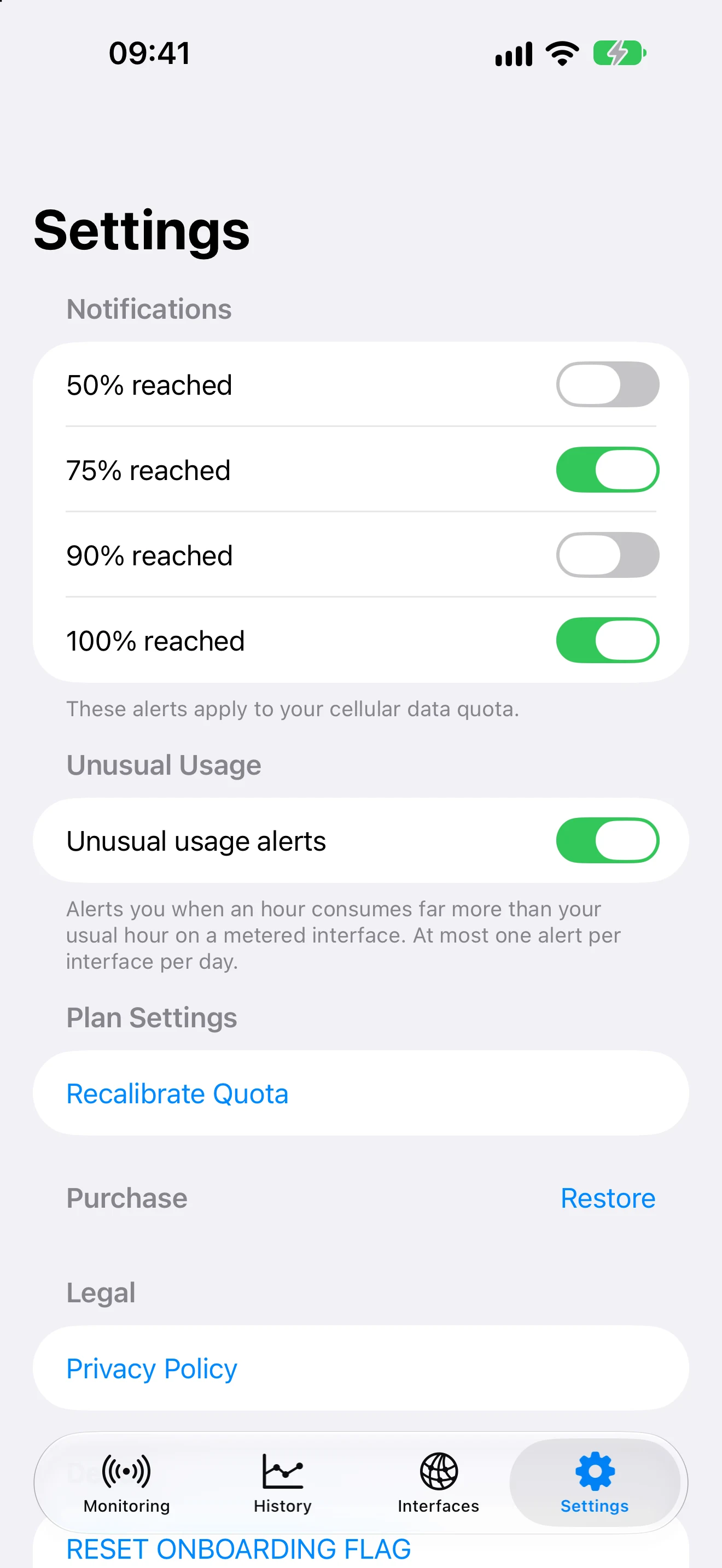
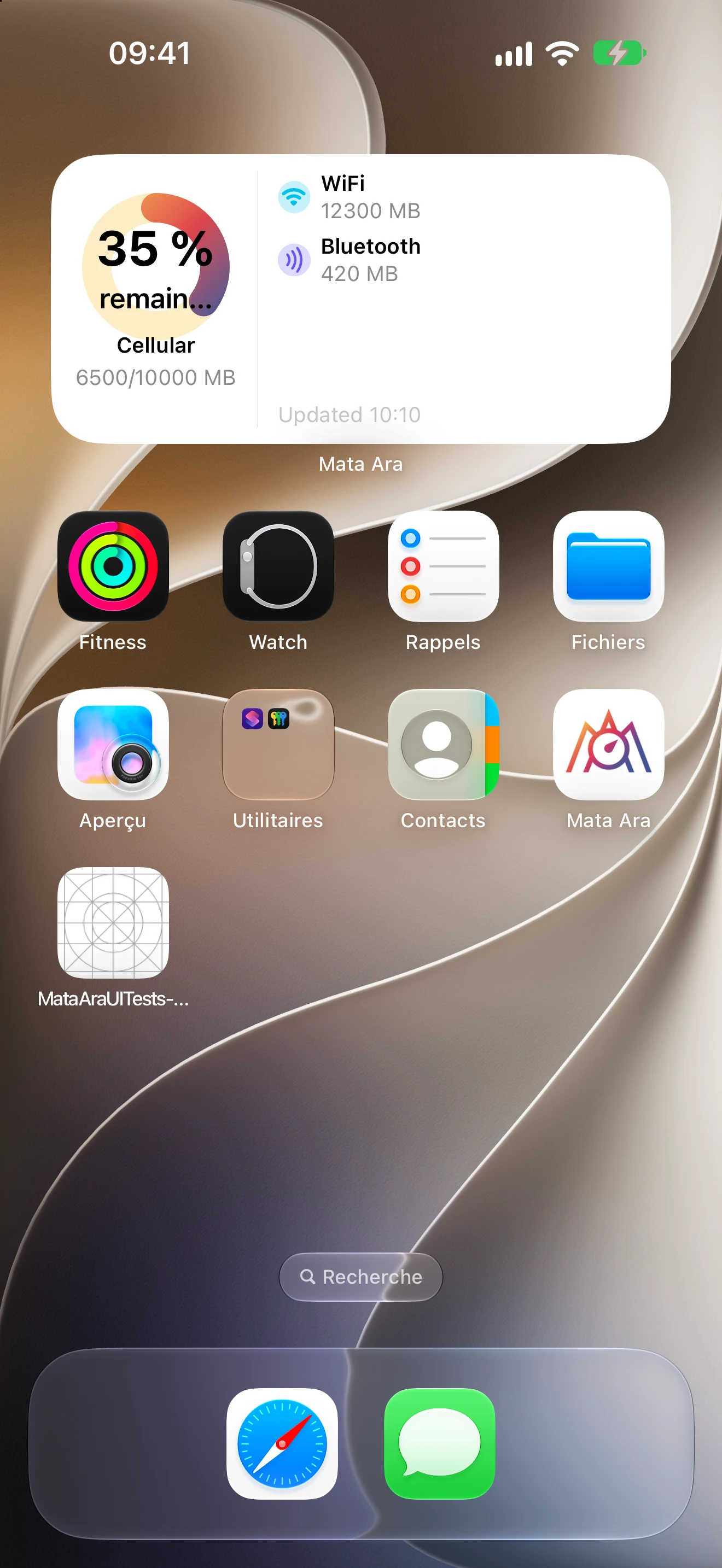
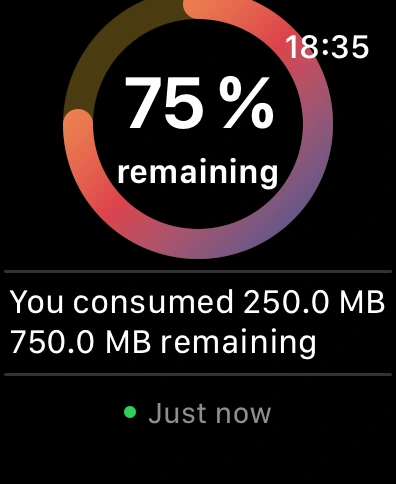
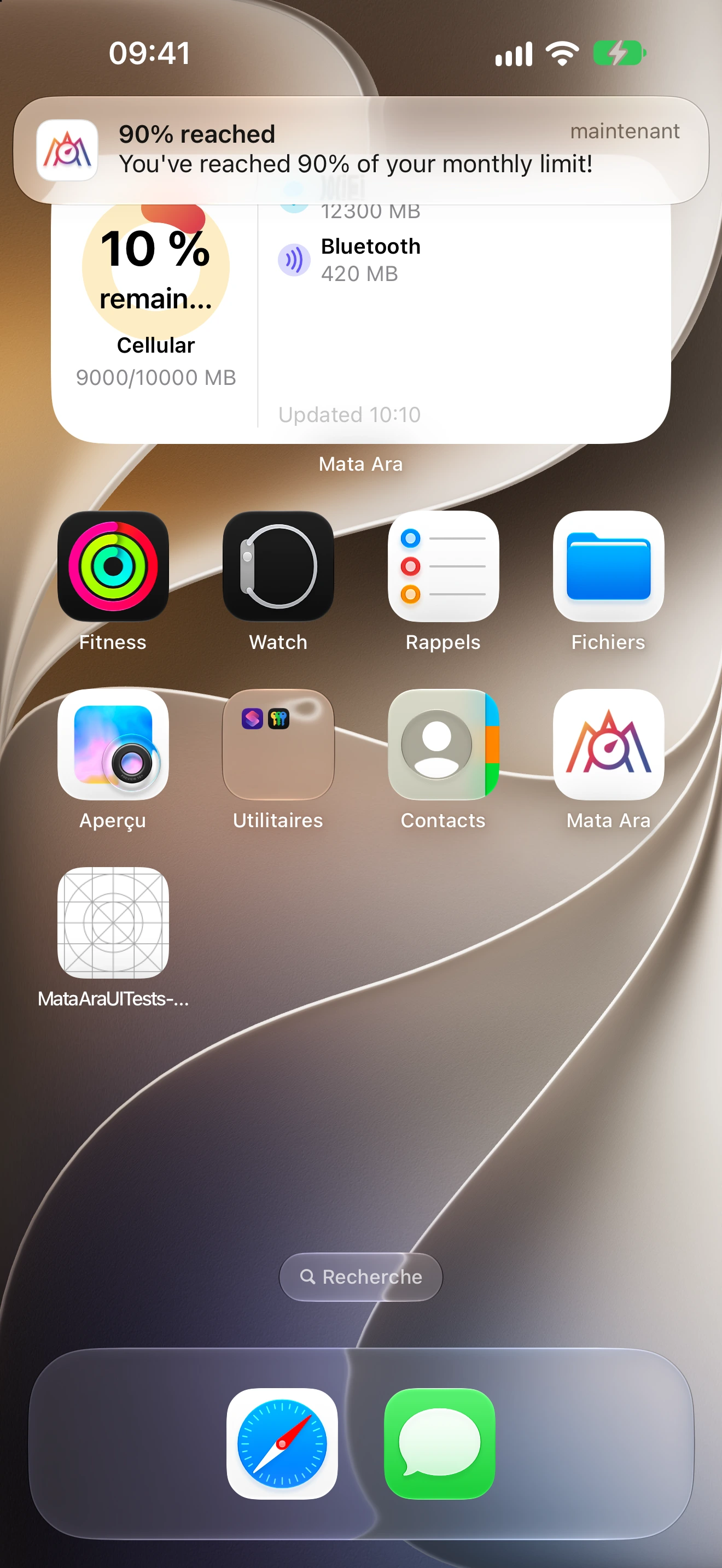
Notifications, a Home Screen widget, and the Apple Watch companion, shown with app screenshots.

Choose your version

Compare Free and Premium

Premium includes the Free features and adds a few options.

Premium includes every feature in the Free version.
FeatureFreePremium
Configured quota and live network-interface countersIncludedIncluded
History tab and usage chartsIncludedIncluded
100% quota notificationIncludedIncluded
Rate warning, expiry reminder, and unusual-usage alertIncludedIncluded
Apple Watch companion and Home Screen widgetIncludedIncluded
Optional notifications at 50%, 75%, and 90% thresholds—Included
Detailed per-interface upload and download speed history, opened from a monitoring card—Included
Banner ad on the main screenShownRemoved

Premium is a one-time in-app purchase. The current price is shown by the App Store.